Best Stretching Apps in 2026: What Actually Matters
How to choose a stretching app in 2026: guided timers, routine length, AI coaching and price compared across Bend, StretchIt, Pliability, GOWOD and Suppl.
By Ayoub Farid · · 3 min read
There are dozens of stretching apps in the App Store, and most of them look the same in screenshots: a person on a mat, a timer, a list of routines. The differences show up after a week of use, when you find out whether the app actually gets you stretching every day or just becomes another icon you ignore.
This guide explains what separates a good stretching app from a forgettable one, then looks at the most common options honestly, including our own app, Suppl.
What makes a stretching app worth keeping
1. Routines short enough to do every day
Flexibility improves with frequency more than with session length. An app built around 30-minute classes is great on Sunday and useless on a busy Tuesday. Look for routines in the 2–10 minute range that you can finish without changing clothes. See how long it takes to get flexible for why frequency wins.
2. A real guided timer
You should not have to count seconds. A good player holds each stretch for a set time, shows what comes next and moves on automatically, with pause and skip.
3. Routines organized by problem, not just by level
Most people open a stretching app because something feels tight: lower back, hips, neck, hamstrings. Routines named after those problems ("Lower Back Relief", "Desk Break Reset") get used. Routines named "Level 2, Day 14" get abandoned.
4. Clear form cues and safety notes
Each stretch should explain where you should feel it, and when to stop. "Mild tension, never sharp pain" is the line every good app repeats.
5. Honest pricing
Almost every stretching app is free to download with a subscription. Check what is free forever versus what is only a trial.
The main stretching apps compared
| App | Best for | Format | Notes |
|---|---|---|---|
| Bend | General daily stretching | Short illustrated routines | The most popular general stretching app; freemium |
| StretchIt | Flexibility goals like splits | Instructor-led video classes | Longer classes and programs; higher subscription price |
| Pliability | Athletes and lifters | Mobility video sessions | Built for training recovery; formerly ROMWOD |
| GOWOD | CrossFit and functional fitness | Mobility test + daily plan | Starts with a mobility assessment |
| Suppl | Short daily routines + questions | Illustrated routines, guided timer, AI coach | 2–5 minute routines; free Daily Workout routine |
Prices and features change often, so check each App Store listing for current details. We wrote longer comparisons for Bend alternatives, StretchIt alternatives and Pliability alternatives.
Where Suppl fits
Suppl is built for people who want to stretch a few minutes a day without thinking about it. It has 66 illustrated stretches organized into 9 routines between 2 and 5 minutes: Daily Workout, Wake Up, Desk Break Reset, Deep Hip Opener, Leg Flexibility, Lower Back Relief, Sleep, Post-Run Recovery and Full Body Flexibility.
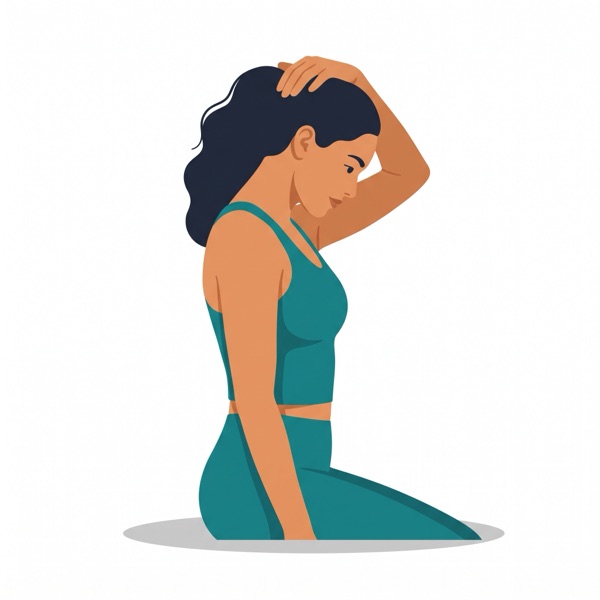
The guided player times every stretch and shows a short safety cue. The part most apps do not have is the AI stretch coach: you can ask "my hips are tight after sitting all day, what should I do?" and get a specific answer.
What Suppl is not: it has no live classes and no long instructor videos. If you want a 45-minute flexibility class, a video-based app is a better fit.
How to pick in one minute
- You want a habit and have little time: pick an app with short routines and a timer (Bend, Suppl).
- You have a specific goal like the splits: pick a program-based app (StretchIt).
- You train hard and want recovery: pick an athlete-focused mobility app (Pliability, GOWOD).
- You keep having questions about what to stretch: pick an app with a coach you can ask (Suppl).
Whatever you choose, use it for two weeks before judging. A simple stretching habit matters more than the app.
Frequently asked questions
Are stretching apps worth it?
Yes, if they get you stretching more often. The timer and the routine remove decision-making, which is the main reason people skip stretching.
Is there a free stretching app?
Most apps are free to download with paid extras. Suppl's Daily Workout routine is free forever. See our guide to free stretching apps.
What is the best stretching app for beginners?
One with short routines, clear illustrations and safety cues. Avoid apps that start with long, advanced classes.
Can a stretching app help with back pain?
It can help with general stiffness. For sharp, lasting or radiating pain, see a doctor or physical therapist first.